
Install MAR on your phone
Put MAR on your Home Screen like an app. It opens full-screen, works offline for your saved records, and needs no App Store.
- Open MyAnimalRecord.com in ChromeScan the QR code below or type the address.
- Tap “Install MAR”Use the Install button on this page, or tap the menu and choose Install app or Add to Home screen.
- ConfirmTap Install. The MAR icon appears on your Home Screen.
- Open MyAnimalRecord.com in SafariScan the QR code below or type the address.
- Tap the Share buttonIt’s the square with an arrow at the bottom (or top) of Safari.
- Choose “Add to Home Screen”Scroll down the menu if you don’t see it, then tap Add.
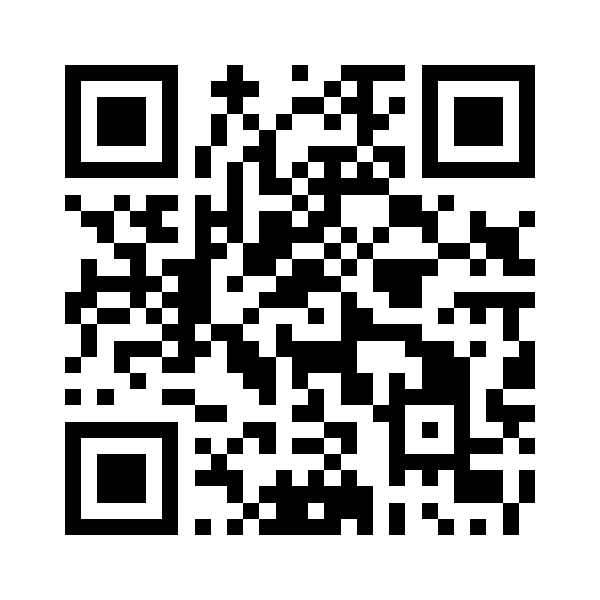
Scan this QR code to open MyAnimalRecord.com on your phone. The QR code opens the website — it doesn’t install anything by itself.