One animal. One record. Different permitted views.
Every animal has one permanent MAR record. Emergency responders, caregivers, your vet and someone who finds your animal each see only the part you allow.
A permanent, structured lifetime record
Each species has its own labelled fields — a horse record has Coggins and farrier fields, a cow record has calving and withdrawal dates, a cat record has FIV/FeLV tests. Notes add to the structured fields; they never replace them.
- History is added, never overwritten — every weight, vaccine, treatment, birth and ownership change stays dated.
- Unlimited dated photos and documents in your Digital Vault.
- Every animal gets a permanent MAR ID number that is never reused.
- Unknown information is saved as “Unknown”, never as zero.
Three QR codes with every record
Print them at home immediately, laminate them, and test each one with your phone before relying on it.
Emergency QR
For EMS, Fire and Police. Shows the animal types, counts, locations, safety and emergency contacts you approve — for your door, window, barn or gate.
Caregiver / Kennel / Stall / Facility QR
Shares selected care information — feeding, medications, allergies, vet and instructions — with sitters, staff, family or trusted caregivers. Switch it on or off anytime.
Individual Animal QR
Each animal has its own QR linked to its complete living MAR record. People see only the information you choose to share.
You get all 3 printable QR codes with every record — even if you do not buy a physical tag. Print at home, laminate, and test with your phone.
House window or door, barn, gate, trailer or kennel — so responders know what animals are inside.
Stall, kennel, crate, enclosure, carrier or the sitter’s fridge. Switch it on or off anytime — no reprinting.
The animal’s folder, papers or equipment. It grows with the record — a 20-page lifetime history, no reprinting.
Inside your account, PRINT QR and DOWNLOAD QR clearly name each QR, so the wrong one is never posted in public.
Printable QR codes vs. a physical MAR tag
Printable QR codes
- Included with every subscription
- Print immediately at home
- Open the views you choose
- Great for doors, barns, cages and carriers
Physical MAR tag
- Optional — buy exactly the number you want
- Requires an active MAR subscription
- Same MAR website QR on every tag + your animal’s unique MAR ID
- Used for lost/found recovery only
Dog tags come in Small and Large, cat tags in Small only, horses use a round halter tag and livestock use white ear tags with black-only printing. Exotic animals use printable QR codes instead of a tag.
If someone finds your tagged animal
The finder scans the tag QR or taps NFC and reaches FOUND AN ANIMAL?. Nothing happens yet — no one is identified or alerted.
They type the MAR ID printed on the tag and tap FIND ANIMAL.
A valid MAR ID opens the public recovery view and MAR emails you immediately.
The finder may share their location with you. Declining never blocks contact or your alert.
The finder can see
- Photo, name or farm ID, species, breed, age, sex, color and markings
- Your name and general locality
- Up to three tap-to-call contacts and a short message
- A MISSING banner if you reported the animal lost
The finder never sees
- Your street address
- Medical, vaccine or breeding history
- Private documents or ranch information
- Billing or account details
Enter MAR ID → Open → Update → Save → Next
Owners, ranch hands, handlers and shelter staff never scan the tag for private records. They open MAR on their phone, enter the animal’s MAR ID, update the right fields and tap SAVE — then enter the next MAR ID.
- Opening any MAR ID in your account never sends a found-animal alert.
- Bulk actions record one vaccination, weighing or move for a whole group.
- Optional Excel/CSV import creates individual records with permanent MAR IDs — your existing IDs are kept.
- Use your phone keyboard’s microphone to dictate into any text field, then review and save.
QUICK ANIMAL LOOKUP
Update fields → SAVE → enter next MAR ID
Install MAR on your Home Screen
MAR installs from MyAnimalRecord.com — no App Store needed. It opens full-screen and, if you’re signed in, goes straight to your dashboard.
No signal in the barn or pasture? Changes are saved on your phone and upload automatically when you’re back online — nothing is silently lost.
How to install MAR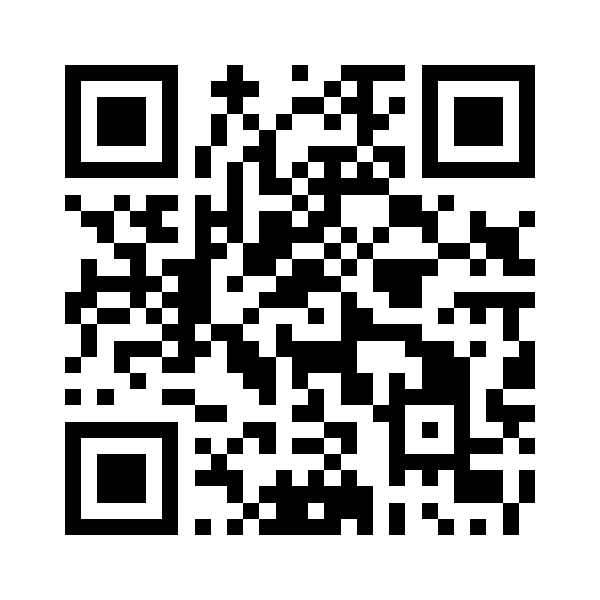
Scan to open MyAnimalRecord.com on your phone.